Enquiries and sales pipeline
Track enquiries, owners, event dates, follow-ups and sales stages. Keep proposal, document and task links with the enquiry.
Prepare proposals from your own catalogue, share them with clients and follow the next steps: contracts, deposits, versioned function sheets, team tasks and actual event results.
Verando is for businesses where the sale doesn't end with a click in a booking engine. Where you send a proposal, hold a date, sign a contract and collect a deposit.

Conferences, corporate events, groups and weddings. One app for the whole sales team.
See how it works →
Celebrations, groups and stays. A proposal in minutes, even from your phone.
See how it works →
A proposal for the couple, Mon – Sun dates, contract and deposit invoices.
See how it works →One workspace for the sales team, event coordinators and departments delivering the event. Your property supplies the prices, content and operational instructions.
Track enquiries, owners, event dates, follow-ups and sales stages. Keep proposal, document and task links with the enquiry.
Build itemised proposals from your spaces, accommodation, catering and services. Offer alternative programs and share a client link.
Create contracts from your approved template, send a signing link and retain the signature record.
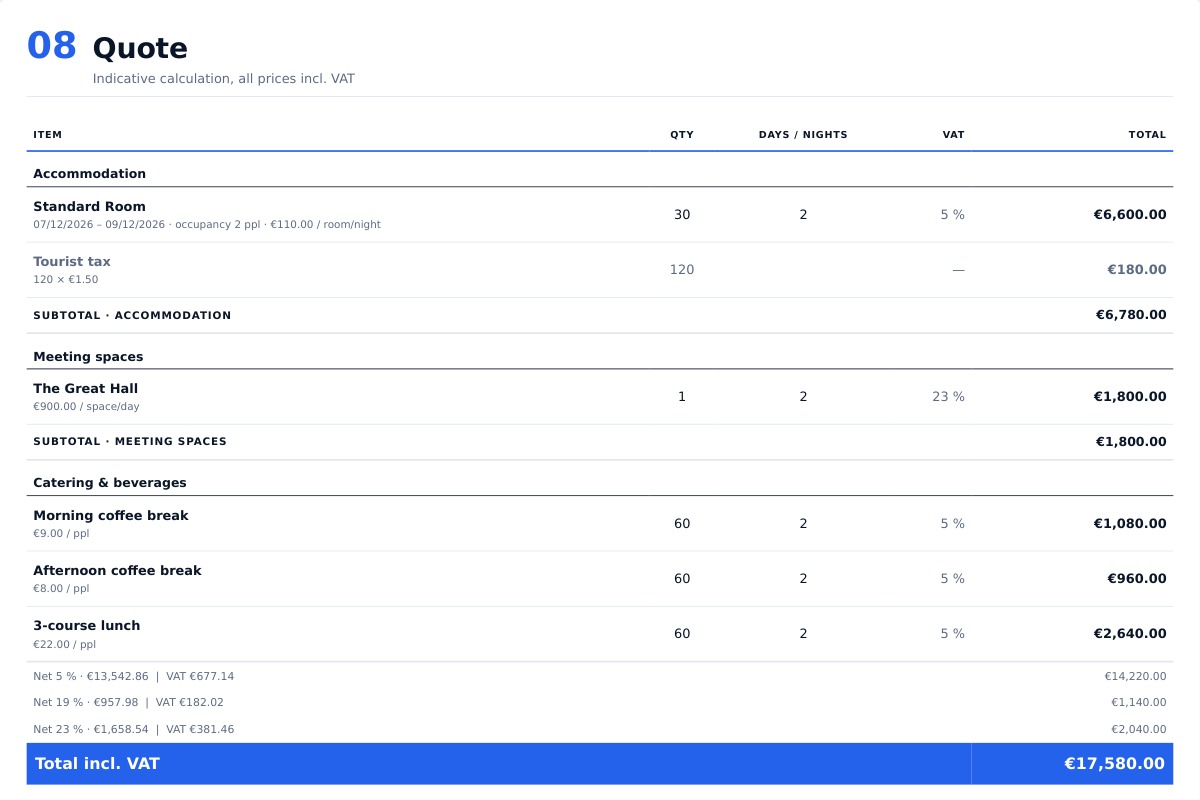
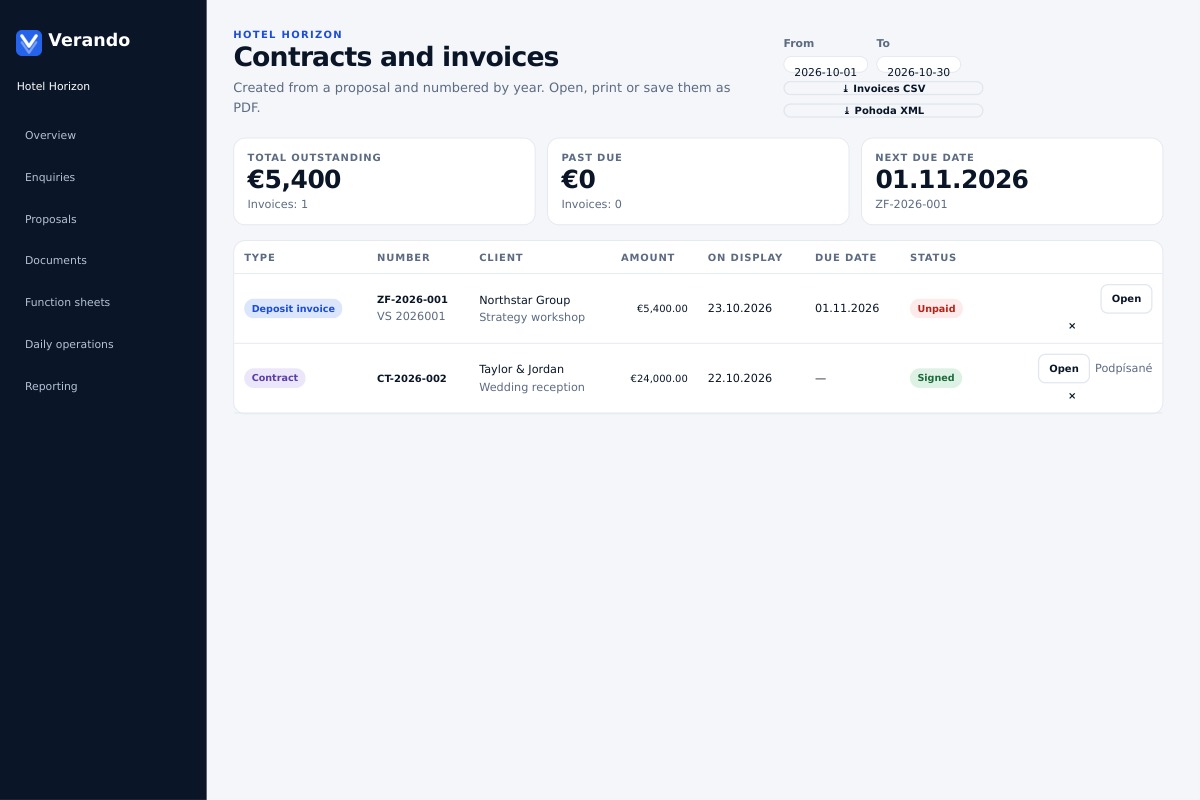
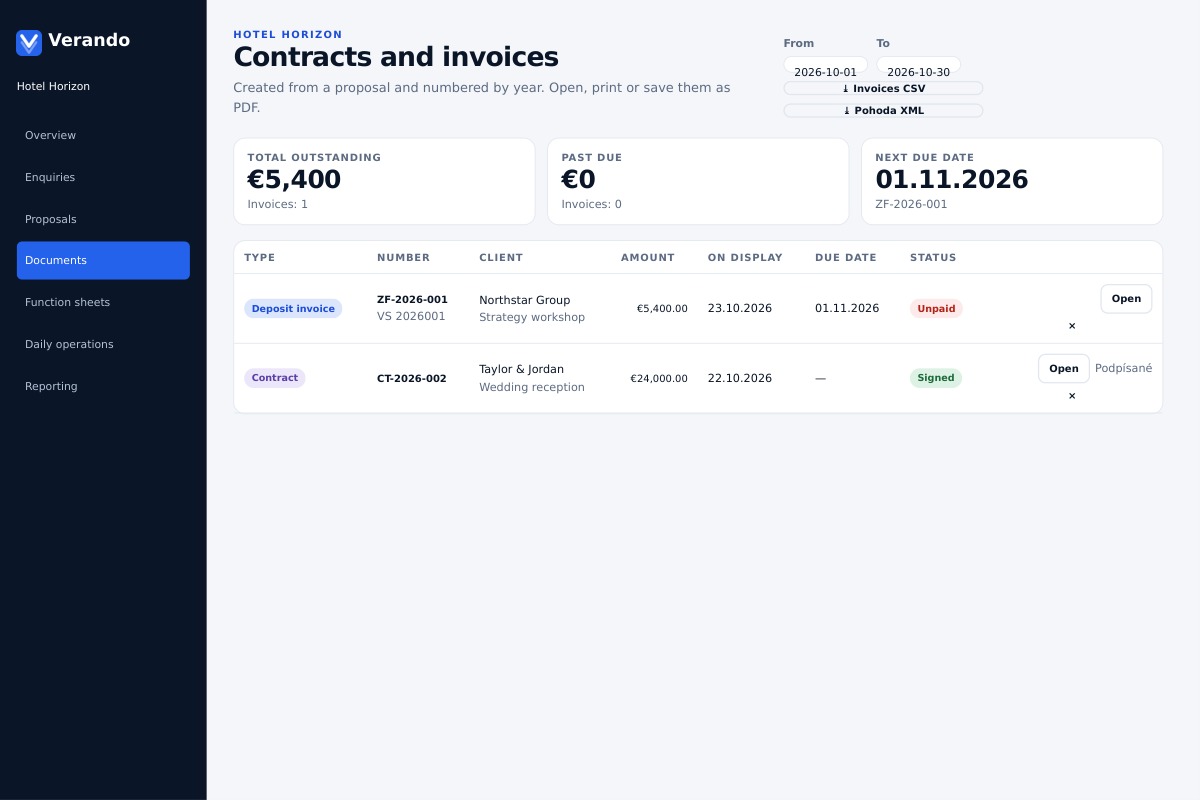
Show the full proposal amount and deposit percentage, list the items, record payments and deduct applied deposits from the final invoice.
Plan time blocks, spaces, layouts and department tasks. Keep revision history and attachments, with capacity and overlap warnings.
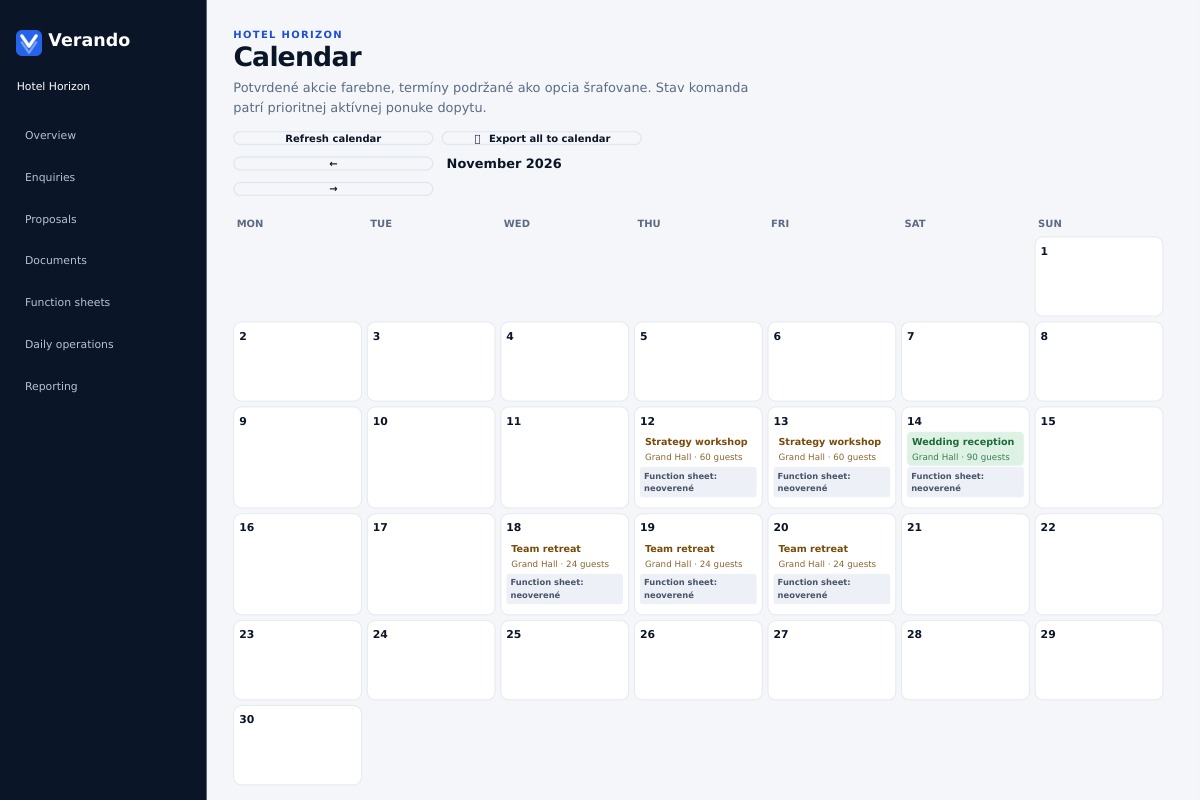
Review upcoming events, function sheet readiness and open tasks. Filter the daily plan, print it and export selected records.
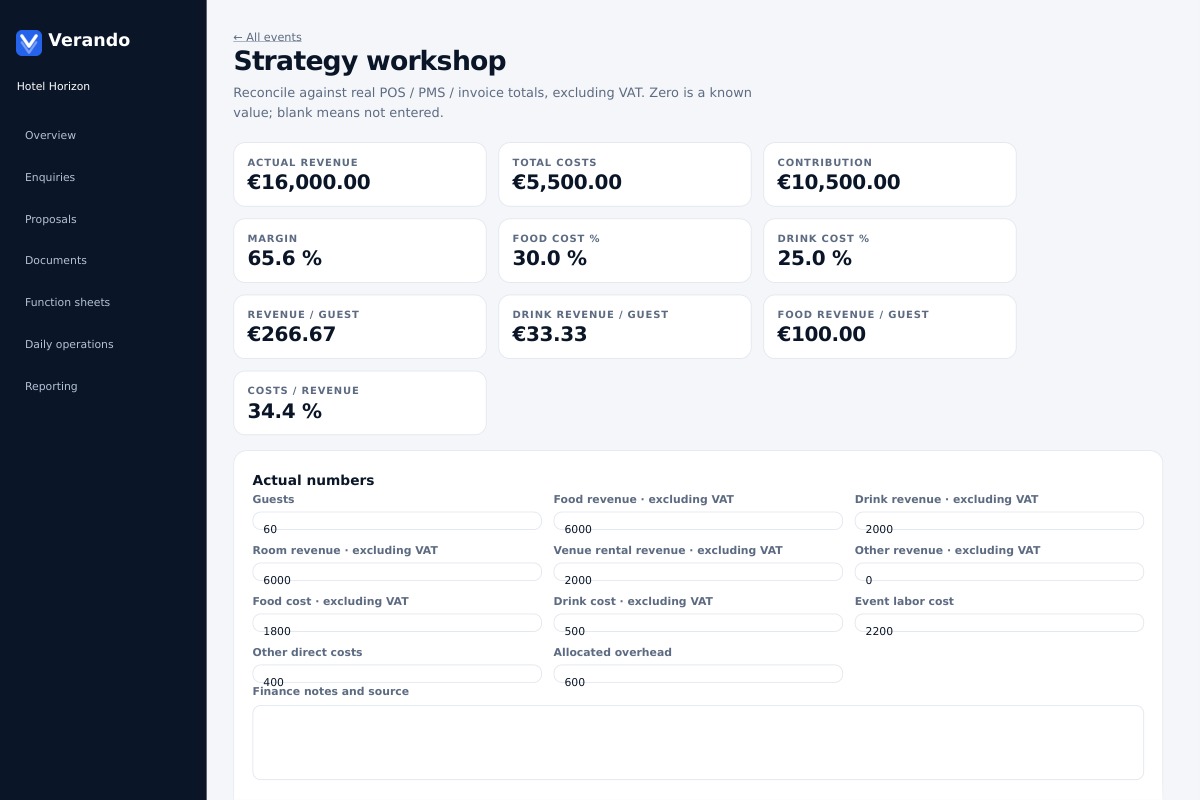
Enter actual revenue, guest counts and costs. Review contribution, margin, food cost and drink cost from completed data.
Manage spaces, capacities, photos, pricing, catering and proposal layouts for your property and team.
8 interface languages. Client proposals can use a different language. Your own property content and prices stay under your control.
Every enquiry moves through stages. Verando tracks where it stands, who is waiting and what to do next.
An example from a wedding. For a conference, celebration or stay, the path is the same.
From your website, Instagram, a portal or email. You see straight away if the date is free and what it would cost.
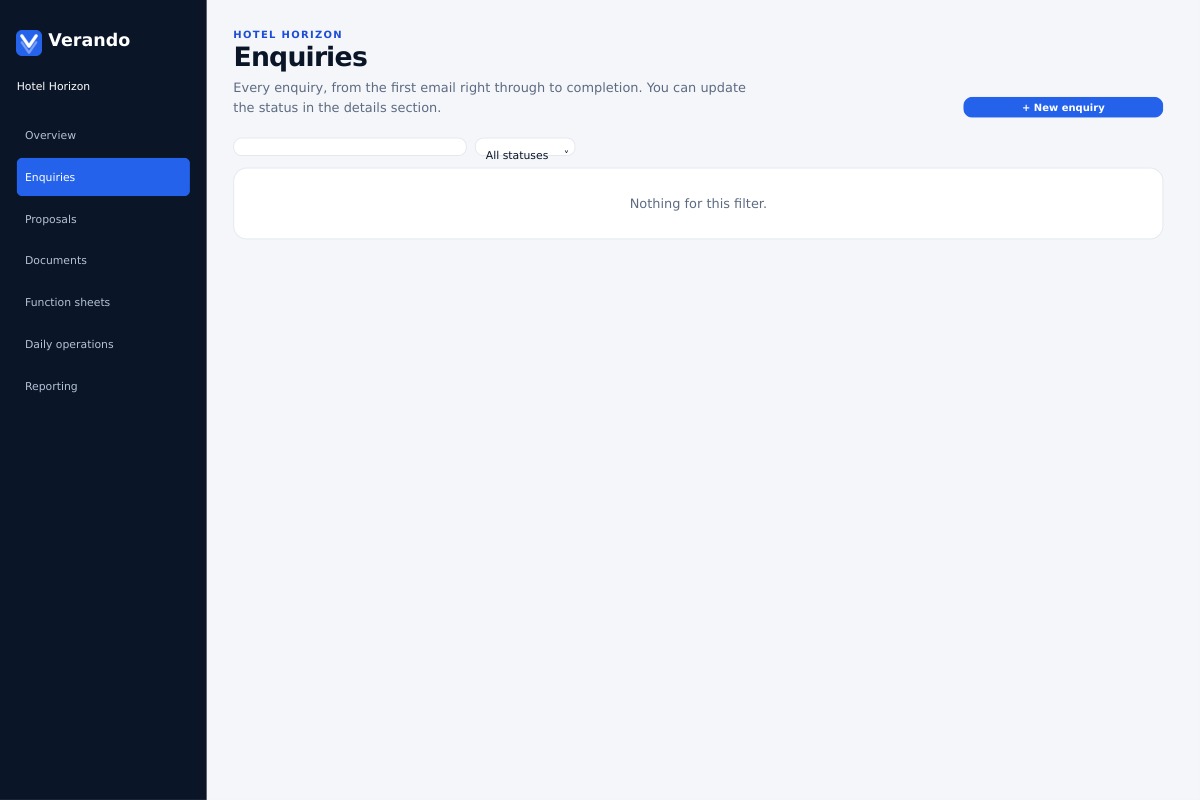
Built from your price list and photos, in the client's language. No PDF attachments, no recalculating.
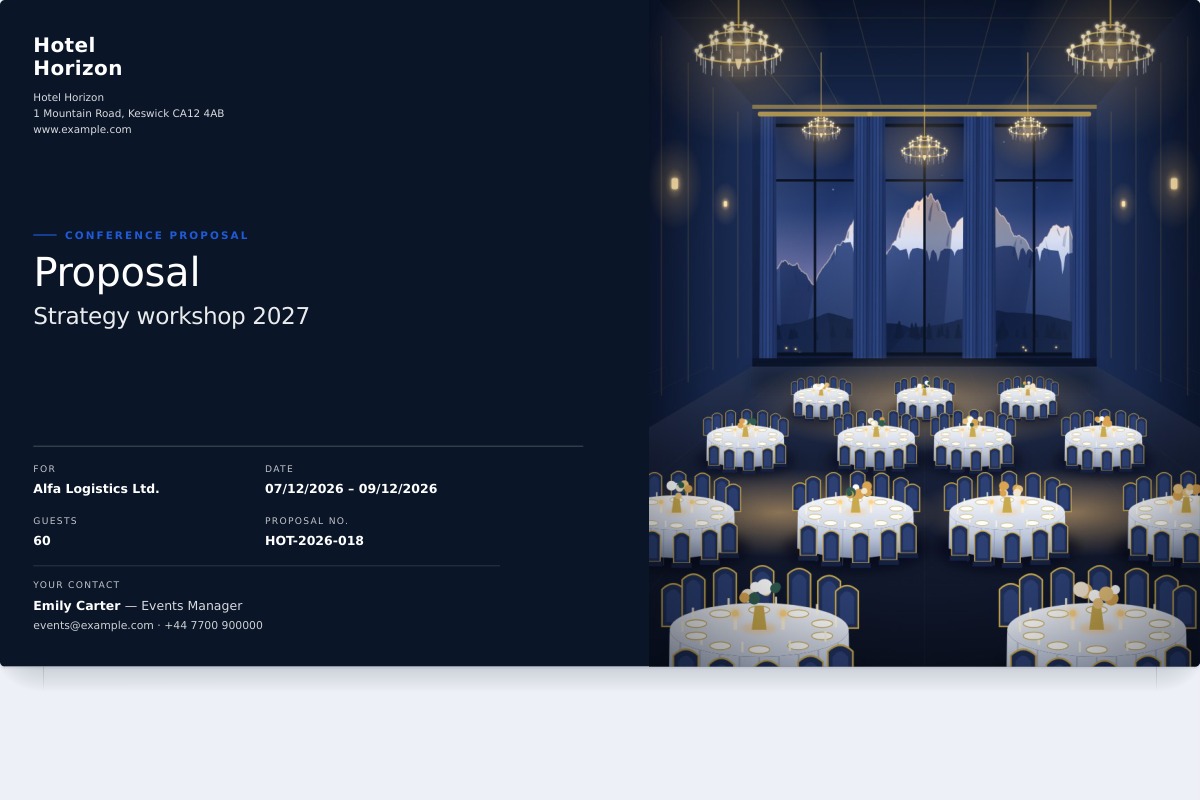
They browse a branded proposal with your prices, click “I’m interested”, and you can track when the link is opened.
In one tap. The date goes into your calendar as a hold and expires after 7 days if they don't confirm.
Price, guests, instalments and client details carry over. Check, send, done.
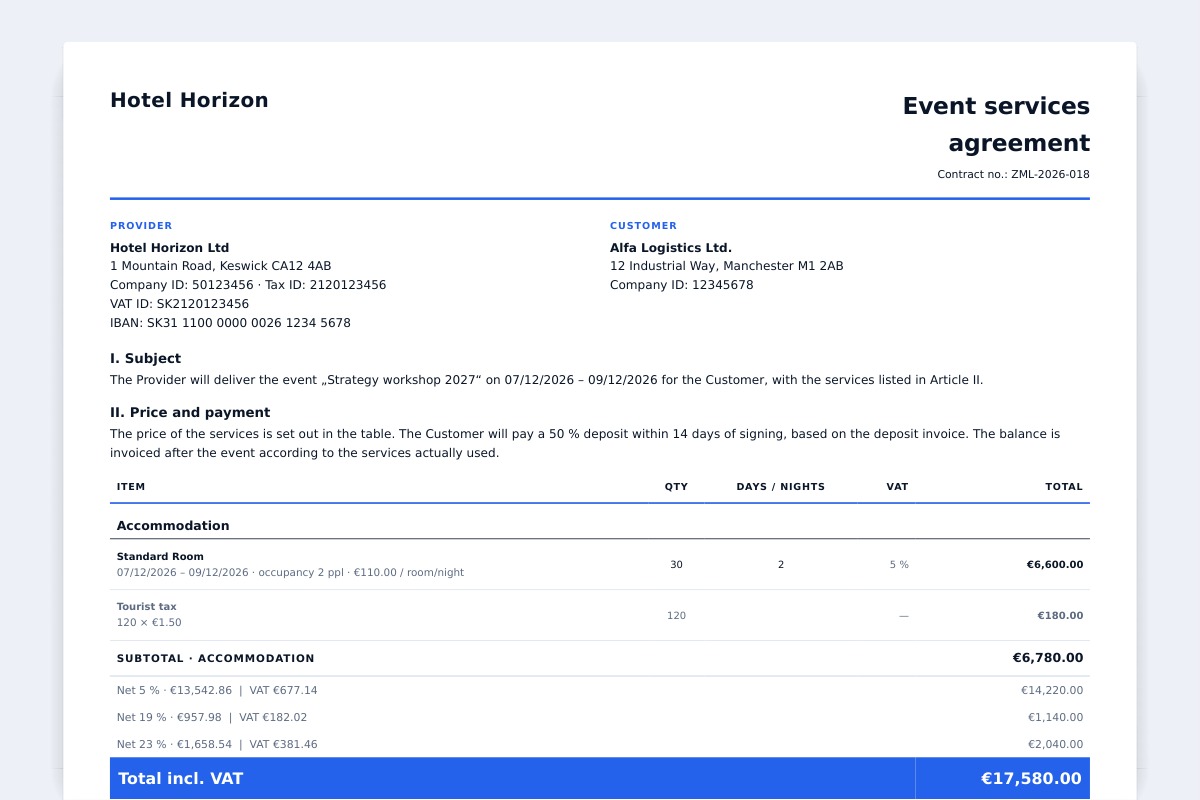
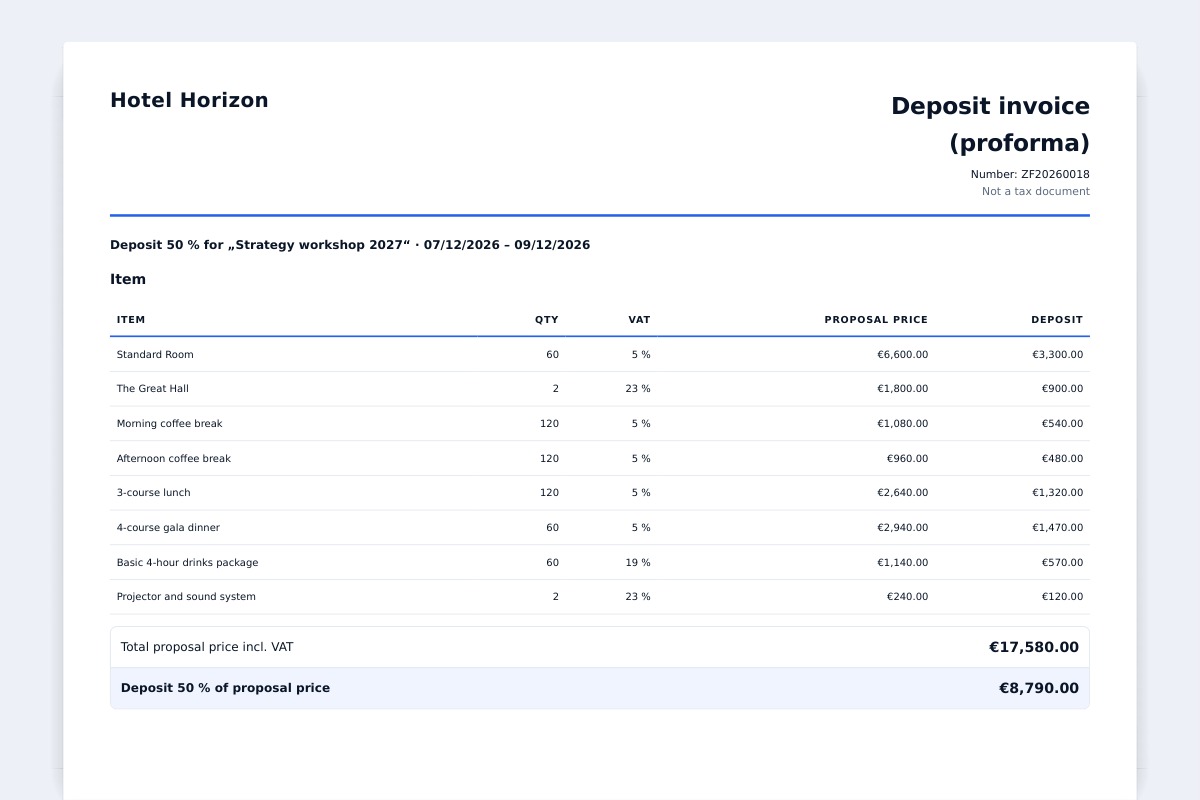
Payments, reminders and pre-event tasks in one place.
For every enquiry you choose a type. Verando pre-fills the quote from your price list and the client receives a proposal made for their event. From a ten-room guesthouse to a resort with conference halls.
From your website, email and portals in one place, with reply deadlines and room availability checks.
Illustration of the Verando app. Clients and prices are fictional.
Already have a PMS? Great. Verando does not replace your booking system. It runs alongside it and handles selling events, groups and stays before they become reservations.
Move the sliders to match your business. The result is an estimate, not a promise.
210 hours a year. That is 26 working days.
We only count proposal preparation. Contracts, invoices and faster replies are not included.
Data and files are stored in a data centre in Frankfurt.
The database keeps accounts apart, not just the app.
Invite colleagues who send proposals. Remove access any time.
Upload your own contract template, review the terms and use the proposal details to complete the document.
Create your account, set up your spaces and price list, and send a proposal. Your first 30 days are free.
Views generated from the current application with fictional data. Figures illustrate the workflow, not customer results.
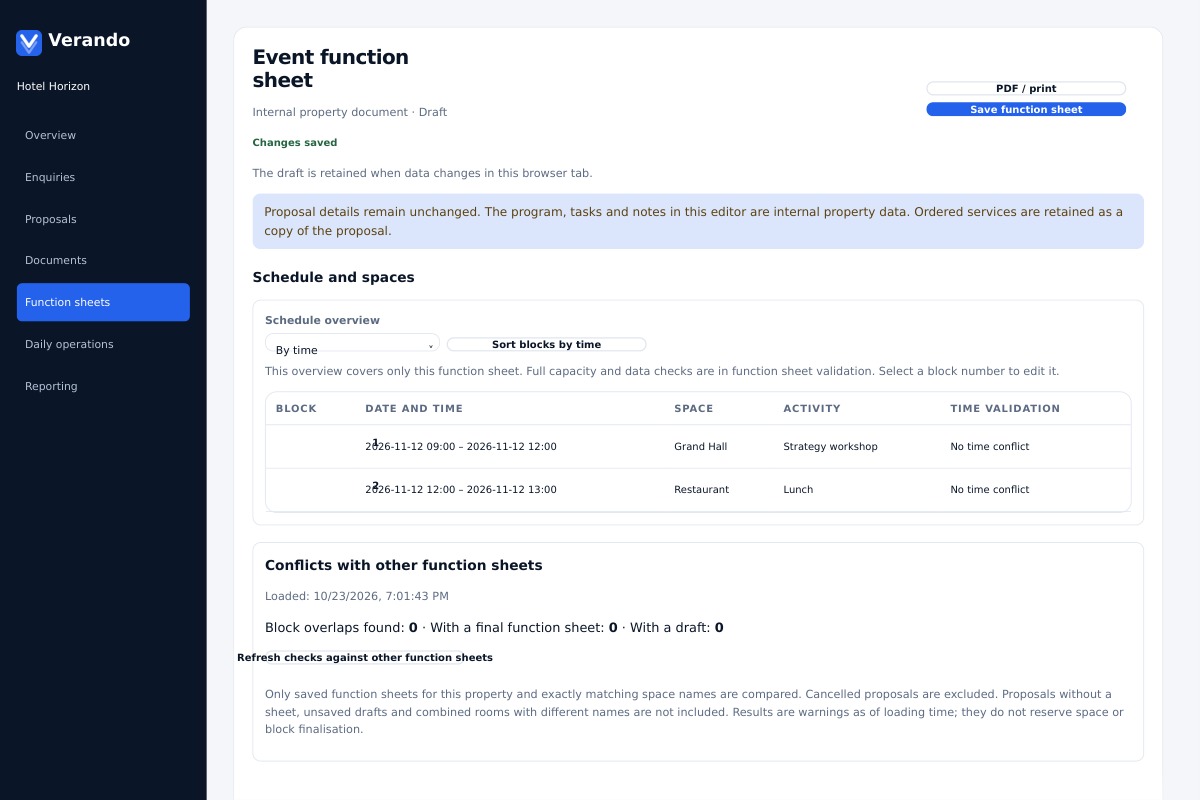
Versioned schedules, spaces and department tasks.
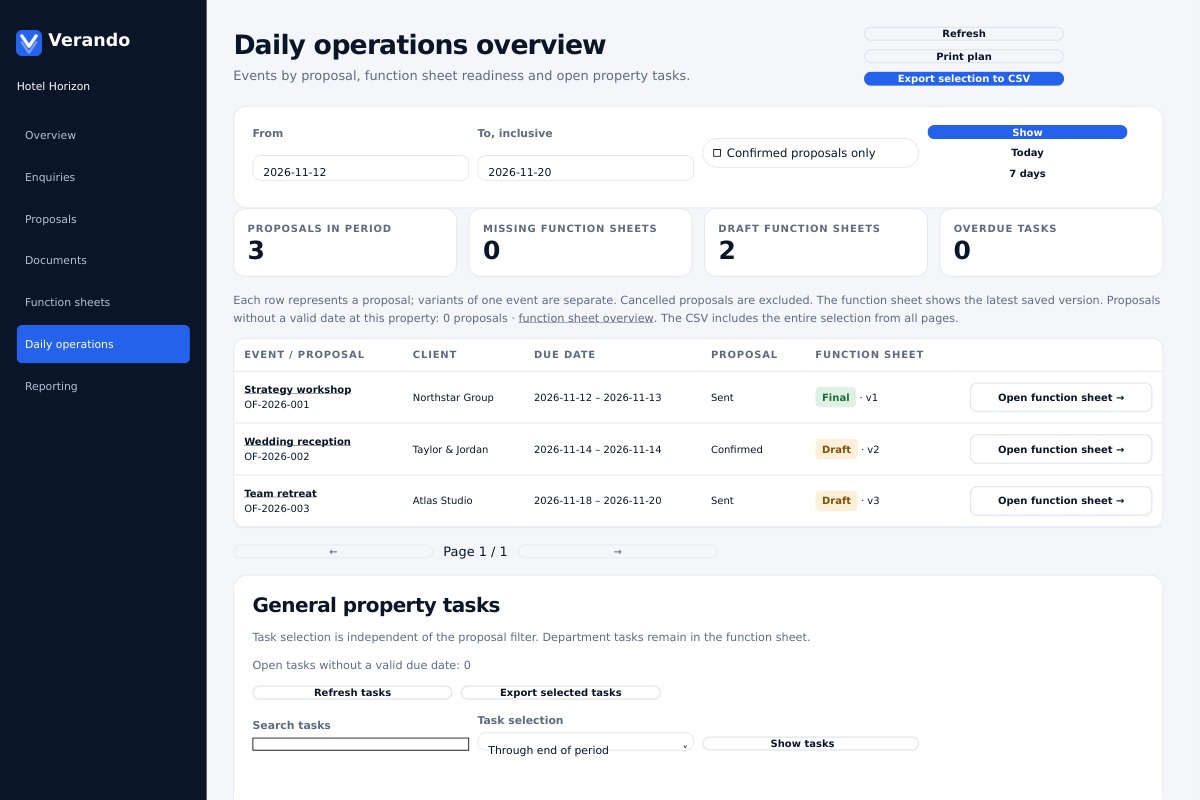
Events, document readiness and open tasks.
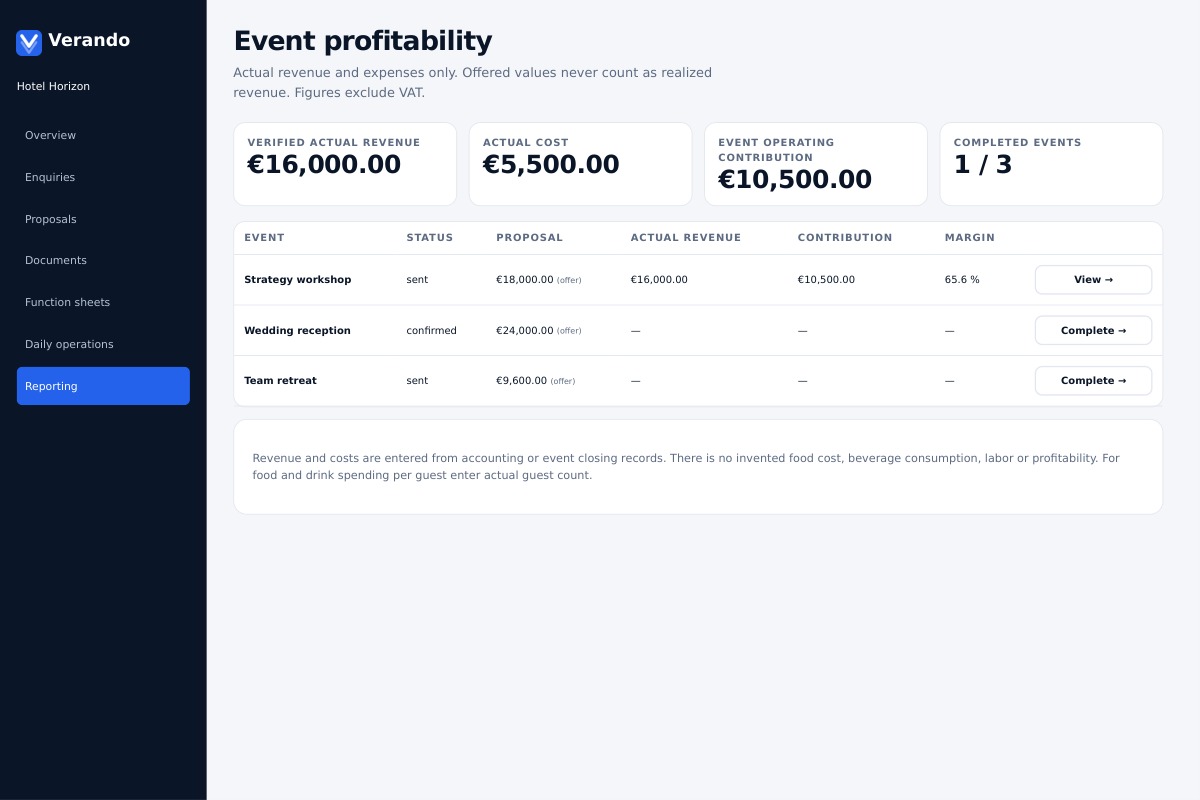
Revenue, direct costs, overhead and contribution.
Record actual revenue, food and drink costs, event labour, other direct costs and allocated overhead for each event. Confirm the closing figures to see contribution, margin, food cost and drink cost. Proposal values are kept separate from realised revenue.
This is event-level cost control, not a separate accounting cost-centre ledger. Enter figures from your accounting, POS or PMS records; automatic synchronisation is not included in this workflow.
Hotels, guesthouses and wedding venues that prepare itemised proposals for events, groups and stays.
An internal event document with schedule blocks, spaces, layouts, department tasks, notes and attachments. Verando keeps versions and shows capacity and overlap warnings.
Upcoming events, function sheet readiness and open tasks, with a printable plan and CSV export.
Verando records actual revenue and costs per event, including allocated overhead. It shows event contribution and margin after the actual figures are completed. It does not replace your accounting cost-centre ledger.
No. The video and images use fictional demonstration data. The reporting module uses the actual figures your team enters and confirms.
The interface and this presentation support eight languages. Client proposals can use a different supported language through the available translation integration.